

How to Customize a Squarespace Template Without Starting From Scratch (Featuring a Real Customer Example)
One of the biggest misconceptions about Squarespace templates is that everyone who buys the same template ends up with an identical website.
A well-designed template is simply the starting point. Once you add your own photography, branding, copy and personality, it becomes uniquely yours.
To show you exactly what I mean, I wanted to share one of my favorite client transformations.
Meet Our Template Customer Hannah
When photographer Hannah purchased our Matcha Latte Squarespace Template, she loved the overall editorial feel and layout, but wanted it to reflect her own warm, documentary photography style.
Instead of building an entirely custom website from scratch, she customized the template to fit her business.
The result was a website that feels unmistakably hers.
"This website template came with so much more than expected! The helpful videos, and extra layouts are making this build really enjoyable. I'm very happy I went with Studio Bressi!"
Why Template Customization Works So Well
A professionally designed template already solves the hardest parts of web design:
page structure
visual hierarchy
spacing
mobile responsiveness
user experience
conversion strategy
Instead of spending weeks figuring out where everything should go, you can focus on making it feel like your brand. Think of it like moving into a beautifully designed home. You don't need to rebuild the walls. You simply decorate it to match your personality.

What Hannah Customized
Although the overall structure stayed the same, Hannah transformed the template by making thoughtful changes throughout.
1. She added her own photography
This is what made the biggest impact.
The Matcha Latte template was designed with large editorial image blocks, allowing her storytelling photography to become the focus of every page.
Immediately, the website stopped feeling like a template and started feeling like Hannah's brand.
2. She updated the color palette
The original soft neutrals were adjusted with her own earthy greens and warm tones that complement her editing style.
Small color changes can completely change the mood of a website.
3. She rewrote every piece of copy
Rather than keeping placeholder text, Hannah wrote copy that spoke directly to her dream clients.
She introduced her personality, explained her approach, and made every section feel authentic to her business.
Great websites aren't just beautiful. They communicate.
4. She personalized the branding
From her logo to typography choices and imagery, every visual element reinforced her own identity while keeping the elegant editorial foundation of the template.
You Don't Need to Customize Everything
One mistake I often see is people trying to redesign every single section. You don't have to. In fact, the fastest route to a polished website is keeping the strong design foundation and only customizing what matters most:
your branding
your images
your words
your offers
These four things are what visitors actually connect with.
How to Make a SquarespaceTemplate Feel Like a Custom Website
If you're planning to customize your own Squarespace template, here are the areas I'd prioritize:
1.Invest in professional photos
Photography creates more visual impact than almost anything else on your website.
2.Write copy in your own voice
Your personality is what makes your business memorable.
3.Use your brand colors consistently
Even subtle adjustments can completely shift the aesthetic.
4.Replace every placeholder image
Nothing makes a template feel generic faster than leaving stock images behind.
5.Don't be afraid to remove sections
Templates are flexible. If a section doesn't serve your business, simply delete it.
Will People Know You Used a Template?
Not unless you tell them. Customization isn't about changing every layout but about making the content uniquely yours. No two businesses have the same photography, messaging, story or client experience. That's what makes every customized website different.
Is Template Customization Right for You?
A Squarespace template is a wonderful choice if you want:
a professional website without the custom design price tag
the freedom to launch quickly
an easy website you can update yourself
a polished foundation that's built with strategy in mind
If you're willing to spend a little time customizing the content, you can create a website that feels every bit as personal as a custom design.
Hannah's website is proof of that.
Ready to Customize Your Own Squarespace Website?
If you've been waiting for the "perfect" time to launch your website, don't let the idea of building one from scratch hold you back.
My Squarespace templates are designed to give you the hard part already done, so you can spend your time making your website feel like you.
Whether you're a photographer, creative business owner or service provider, a thoughtfully customized template can become a beautiful online home that grows with your business.
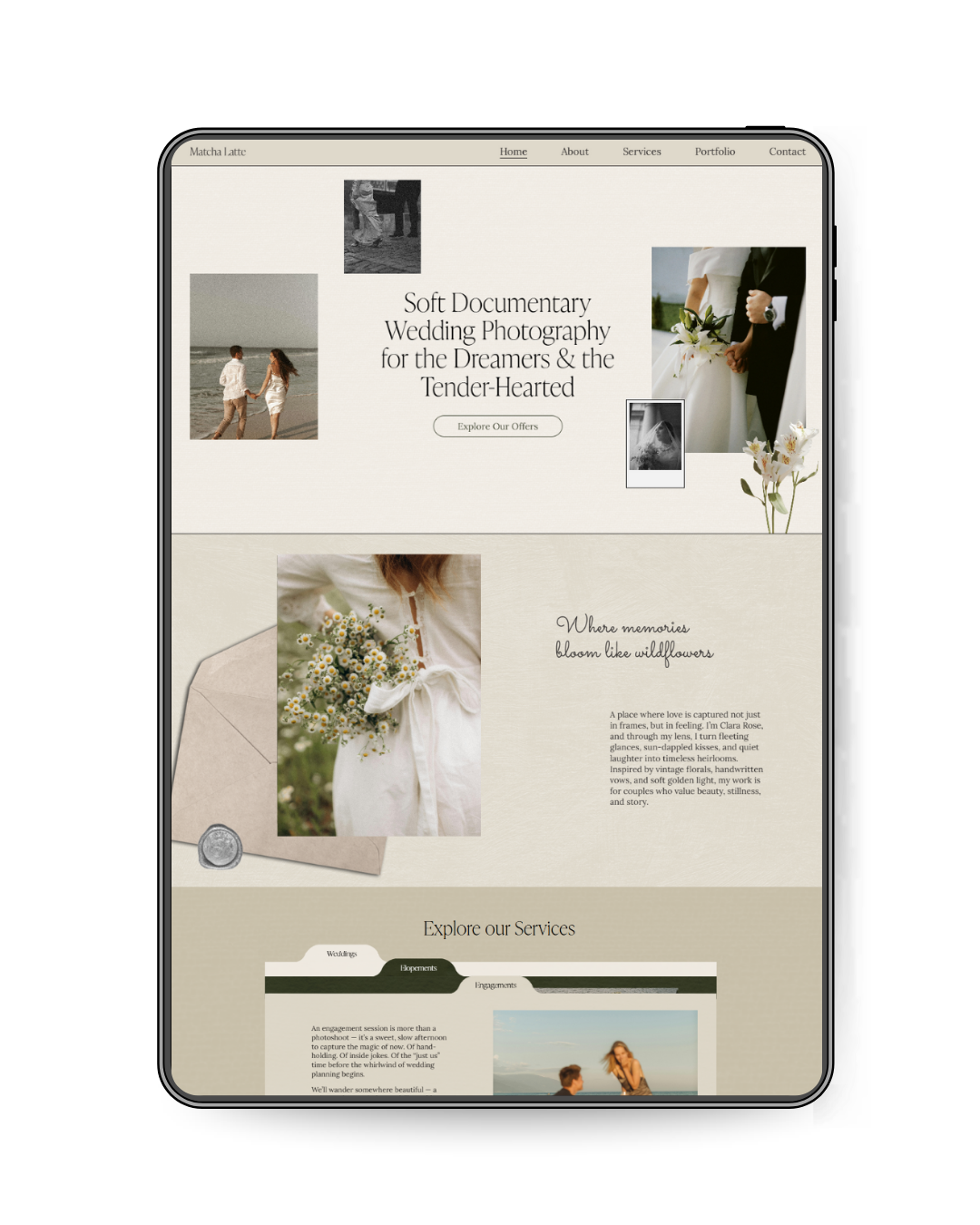
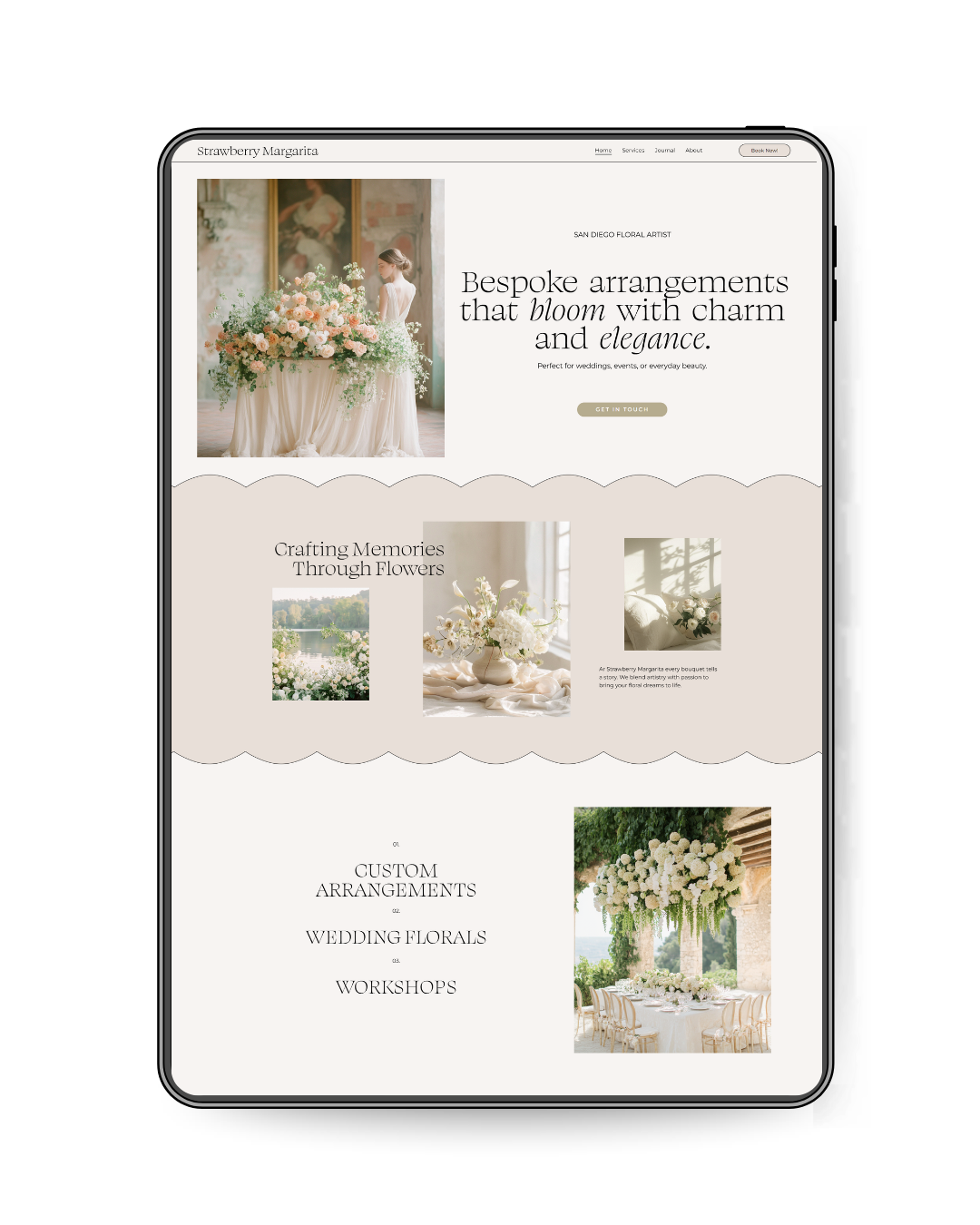
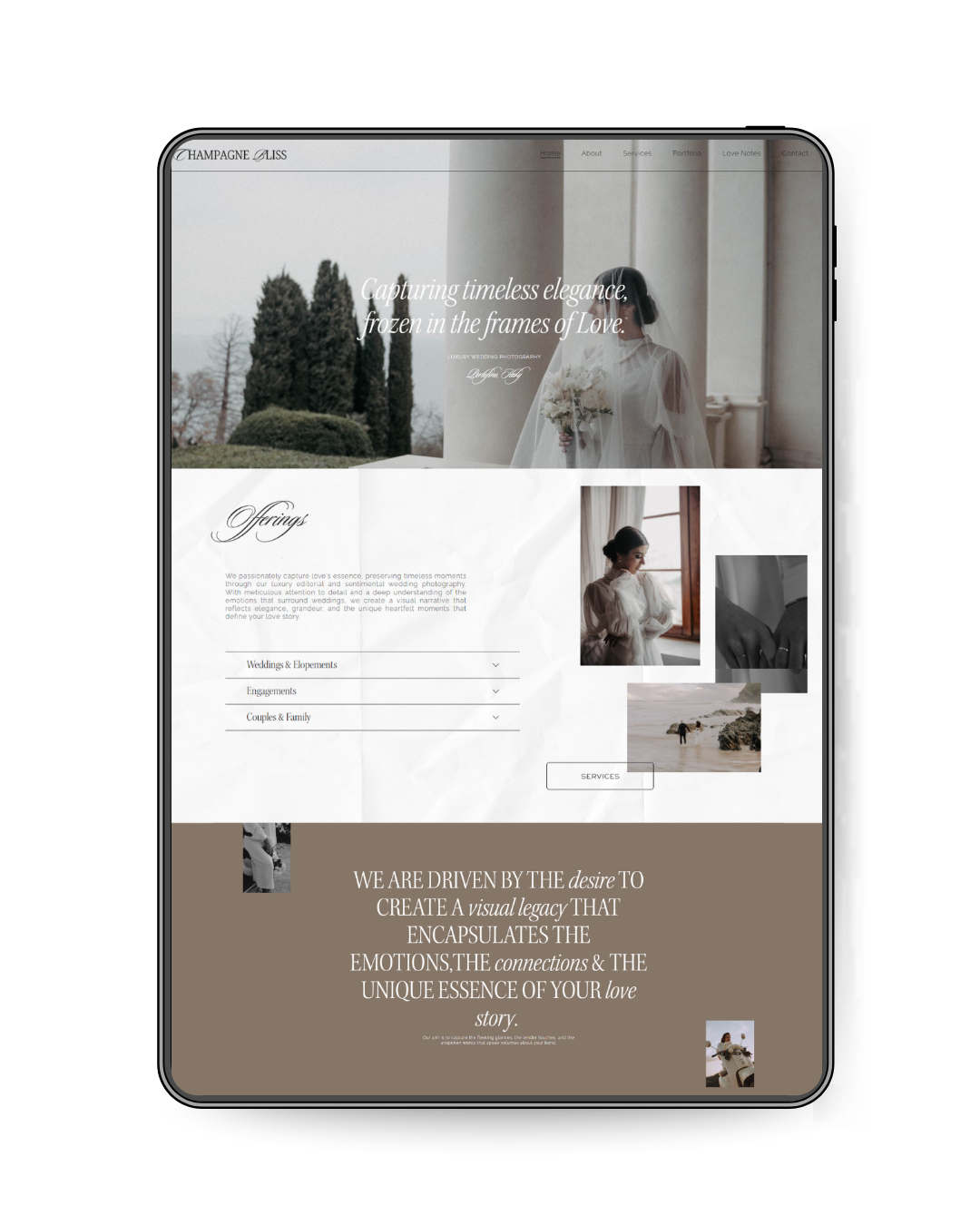

Flavor: ELEGANT | TEXTURAL | LUXURIOUS
For creatives who value beautiful details, thoughtful storytelling, and timeless design. Latte Macchiato was created for photographers, wedding and event planners, and creative businesses looking for a website that feels editorial, refined, and full of personality.
With its warm, editorial aesthetic, nostalgic details, and thoughtfully layered layouts, Latte Macchiato gives your photography room to shine while making it easy for potential clients to understand who you are, what you offer, and how to work with you.
This Squarespace website template includes strategically designed pages to help you showcase your photography portfolio, introduce your wedding and photography services, share your story, answer client questions, and turn visitors into inquiries, without having to design your website from scratch.
✿ WHAT HAPPENS AFTER PURCHASE
Within 48 hours, your template will be transferred directly to your Squarespace account.
You’ll get instant access to The Template Lounge with video walkthroughs, customization guides, checklists and everything you need to confidently launch.
✿ Made for Squarespace 7.1
VIEW LIVE DEMO HERE →
(password: bressi)